▣
One place for every sign
Manage customers, locations and individual screens in a single dashboard. Each display can have its own content, name, token and playback settings.
Multiple customersSeparate sign tokensMaster admin
Turn ordinary screens into powerful communication tools. Showcase promotions, welcome guests, display menus, share events, and update every location from one easy dashboard.
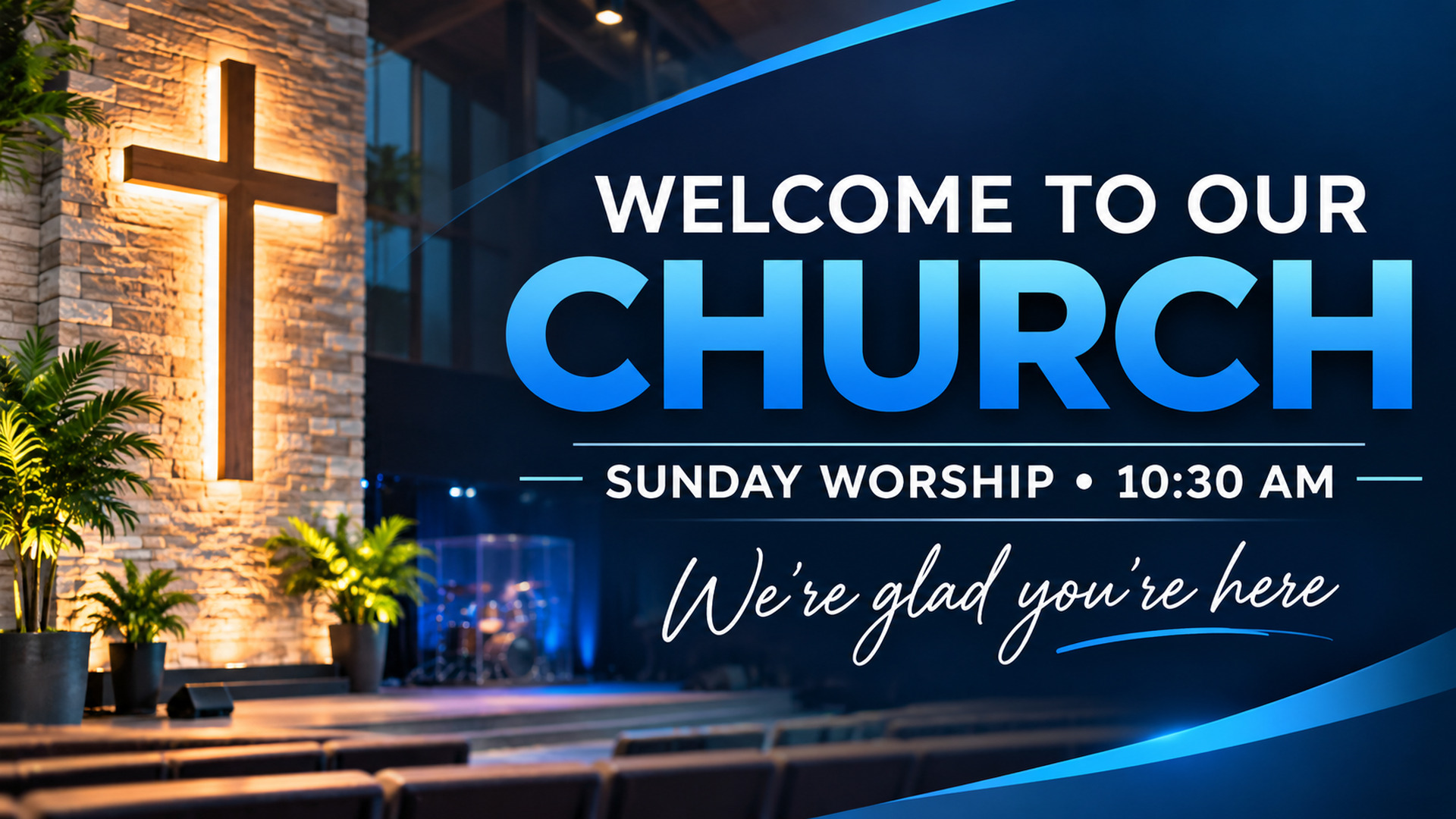
From a single lobby display to dozens of screens across multiple sites, Wilson Signage gives teams the tools to make updates quickly and keep their message consistent.
Manage customers, locations and individual screens in a single dashboard. Each display can have its own content, name, token and playback settings.
Upload JPG, PNG, WebP or MP4 content. Build image-and-video playlists, with playback designed for wide and standard displays.
Upload to publish automatically, or save manual edits. Configure how often a sign checks for new content and trigger a refresh when you publish.
Pick a master transition—fade, cut, slide or zoom—with adjustable speed. Override it on a specific slide when needed.
Run a scrolling news or announcement feed over the bottom of your images and videos, with customizable colors, speed and text size.
Choose when particular images, announcements and campaigns start or stop appearing so your screen stays relevant.
Configure the content canvas for each sign. From a 1920 × 540 shelf or bar display to 16:9 screens and portrait-oriented signage.
Keep the last downloaded playlist available locally for an internet outage, subject to device storage and browser support.
Invite customers using branded emails and secure account setup. They can sign in and work on their own signs without access to other organizations.
Choose per-sign update intervals, slide durations, playback effects and RSS settings—without changing another location's displays.
Create simple text announcements with custom styling and include them alongside pictures and video in a playlist.
Preview what your content will look like before publishing, with the selected aspect ratio and a dedicated player link for each sign.
Features described reflect the Wilson Signage Manager build in development. Availability and behavior may vary by display/browser; offline storage and playback should be verified on each installation.
One powerful Master Admin view for your team. A focused, easy-to-use portal for every customer.
Digital signage is more than a TV on a wall. It's a simple way to communicate with guests, customers and teams at the right moment.
Highlight service times, upcoming events, volunteer opportunities and important announcements without printing new signage every week.
Create the display under the right customer, choose its resolution and content settings, then connect the sign with its unique player link.
Upload graphics and videos, arrange your playlist, set slide timing, and optionally enable an RSS ticker.
Publish changes in your browser. The player checks for updates on its configured schedule and loads the latest available content.
Yes. Each sign has its own playlist and settings, so a welcome screen, menu board and event display can all show different content under the same customer.
The customer portal is designed to restrict accounts to their own organization's signs and content, while the Master Admin can manage all customers. Verify customer isolation before a production rollout.
Wilson Signage includes local caching for downloaded playlists and media. Actual offline playback depends on browser/device storage limits, supported video formats and whether the content has been cached successfully.
Yes. The ticker is designed as a bottom overlay over images or videos, with configurable speed, colors and text size.
The web player is intended for compatible browser-equipped displays and Android signage devices, with configurable content resolutions. Specific devices may require a kiosk browser or custom player for automatic full-screen startup.
You can configure how frequently each sign checks for newly published content. The actual time to display updates also depends on network access, authorization and media download speed.
Whether it's one display or an entire network, Wilson Signage helps you control what people see—without being on-site every time you need to make an update.
Log in or create account →Talk to Wilson Pro AVL ↗